
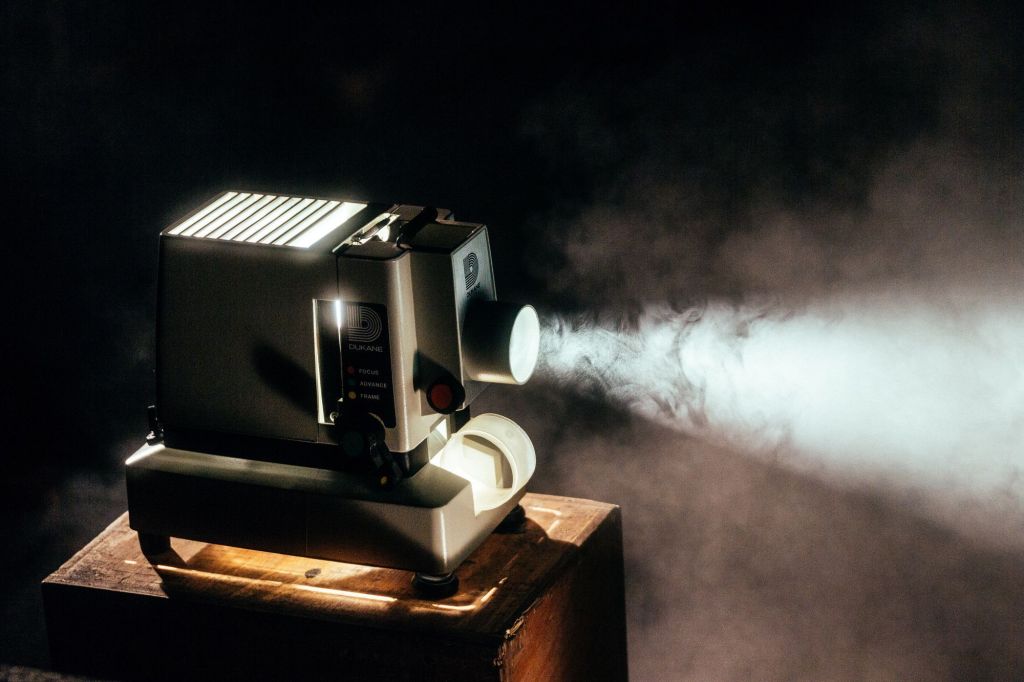
Presentation, movie night, or maybe a sports event at home with friends – there are many reasons you might need a projector. The key is choosing the right one for the occasion and understanding what connections it has and which cables are needed.
When renting a projector, you should consider which type suits your purpose.
Which Type of Projector Suits Me?
Projector for Presentations
If you need a projector for a presentation, it’s usually in a bright environment, such as a conference room. In that case, the most important factor is high brightness. It’s generally recommended that the projector has more than 2,500 ANSI lumens.
If the room is small or the projector will be placed close to the wall or screen where the presentation is shown, you’ll need a short-throw projector. That means you’ll still get a large projected image even though the projector is placed close to the wall or screen.
Projector for Home Cinema or Gaming
If you’ll be watching movies, TV, or playing video games, high resolution is the most important factor. We recommend that the projector at least supports HD format (1280×720).
Many projectors also support 1920×1080, allowing them to handle Blu-ray and other high-resolution formats.
If the room is dark, 1,500–2,500 ANSI lumens is sufficient.
If it’s a bright room, the recommendation is the same as for presentations – over 2,500 ANSI lumens.
Portable Projectors
Portable projectors are usually divided into two categories. The smallest models can easily fit in your pocket and still project an impressive image size.
Slightly larger models (weighing between 2–5 kg) often offer better contrast and higher brightness, making them more suitable for larger or brighter environments.
Many portable projectors also have built-in speakers, so you don’t need to worry about setting up a separate sound system.
Which Technology Should I Choose?
The technology you choose actually matters less than it used to. There have been major advancements across all types, and the differences within each technology type are greater than those between them.
The two most common projector technologies are DLP and LCD.
Which Connections or Cables Do I Need?
There are quite a few different connections for projectors, and they must match the computer or device that will display the video or images.
Analog connections provide lower resolution, so if possible, you should always choose a digital connection.
Analog Connections
- Composite
- S-Video
- VGA
- Component
Digital Connections
- DVI
- HDMI
 Hygglo Blog